Retouch
As of 08:15 · the period does not apply here
One shoot, eighteen frames, and a run that takes the room out of each of them and puts the bag on white at every size the channels ask for. What is worth your time is at the top: the three frames Omni stopped on, each for a different reason.
September product photography
Clean the background, set the shadow, square them for the channels that want square and keep one tall crop of each.
Frames in the batch
Job board18
Shot on the 9th, one session at the bar
Cleaned and sized
Image & video models13
11 of them ordinary enough not to draw
Back to a person
Image & video models3
Handed back with a reason, not silently skipped
Runs on the stills line
Image & video models31
25 more on the layout engine, which costs nothing
Credits spent
Image & video models124
31 runs at 4 each
Back to a person
Three frames Omni stopped on, and why each one. They are different problems and only one of them is about the software.
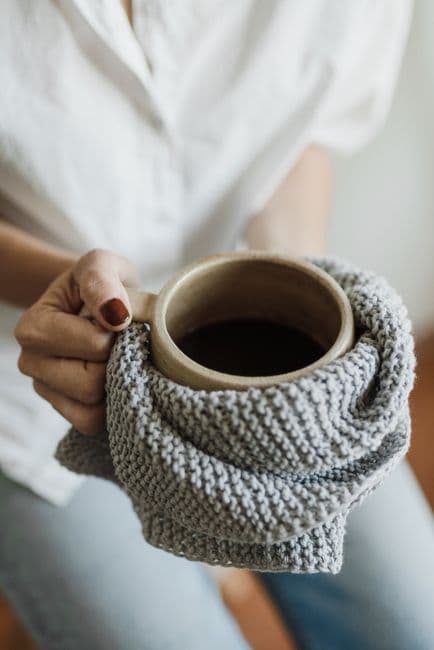 IMG_2248Kenya AA, heldBack to a person
A hand crosses the edge of the bag. Cutting the background here takes a finger with it, and nobody wants to find that on a listing.
Stopped after: background
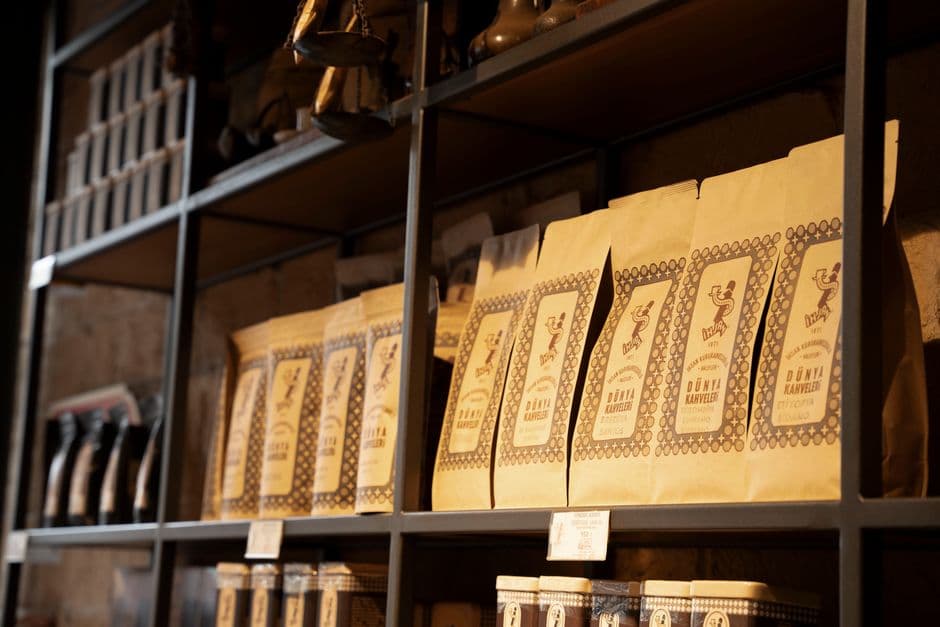 IMG_2255Shelf, wideBack to a person
Two bags are out of focus behind the one in front. A clean cut-out leaves them floating; this one is a reshoot, not a retouch.
Stopped before anything ran
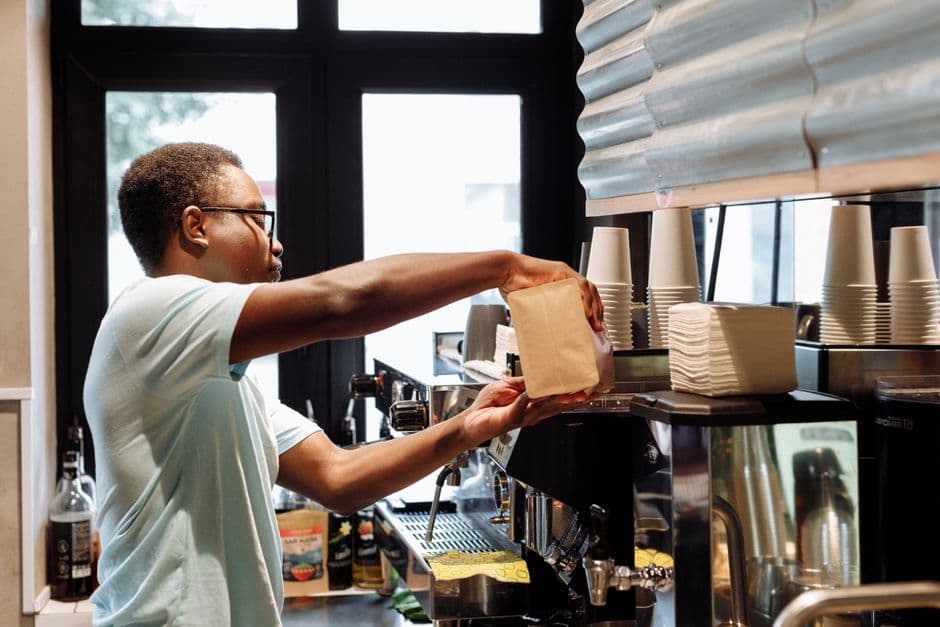 IMG_2261Espresso Blend, three-quarterBack to a person
Under the floor: 780 px on the short edge after the crop. The channels want 1000 and up; scaling it up is the one thing worth not doing.
Stopped after: background, shadow
A tool that cannot say no is a tool that quietly ships a cut-out with half a finger missing. Each of these was handed back with the sentence above attached, so whoever picks it up knows whether they are opening a file, booking a reshoot, or doing neither.
The batch
Drawn at the proportions they actually haveAs shot
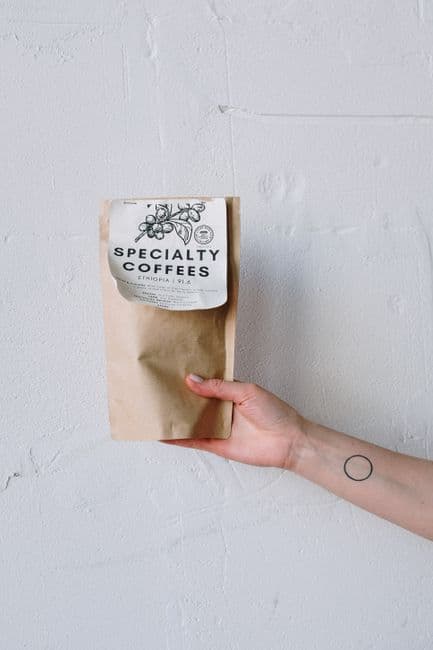
On white
As shot
On white
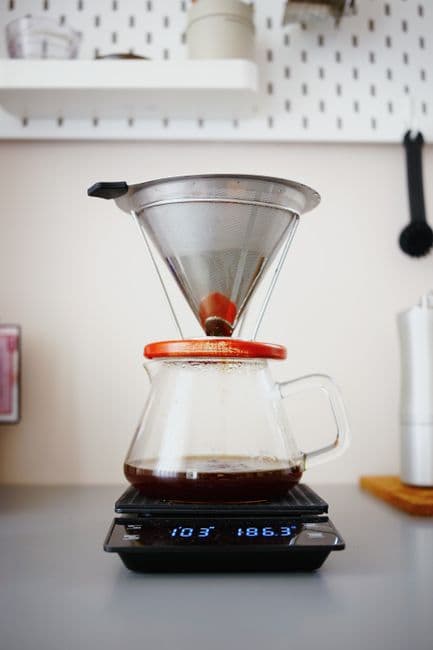
As shot
No result yet
As shot
No result yet
Eleven more frames went through the same four steps and came out unremarkable — a bag on the bar, cleaned, squared and sized. They are counted in the figures above and are not drawn here, because eleven identical pack shots teach nobody anything.
What the run does
Four steps, in the order they happen. The first two are model runs and cost credits; the crops are the layout engine and cost nothing.
| Step | What it does | Frames | Per frame | Run by |
|---|---|---|---|---|
| Background | Cuts the bag out of the room it was photographed in and puts it on the marketplace white. The edge is the whole job: hair, steam and a hand are where it goes wrong. | 16 | 2 min | Omni |
| Contact shadow | Sets a shadow under the bag matched to the light in the original frame. This is the step that gets argued about — too soft and the bag floats, too hard and it looks stuck on — and it is the one a person most often does again. | 15 | 2 min | Omni |
| Square crop | Crops to the square the marketplaces want, centred on the bag rather than on the middle of the frame. | 13 | 1 min | Omni |
| Tall crop | Keeps one two-by-three of each, because Trendyol's gallery is tall and a square upscaled into it is a square with white down the sides. | 12 | 1 min | Omni |
Nothing in this run touches a listing. The batch produces files and puts them in the library; attaching one to a product page is the marketplace set’s job, and it is still a person who approves it.
The batch has been open 3 h 54 m and about 87 minutes of that is machine time; the rest is this batch waiting its turn while the stills line carries the studio's other jobs. Nothing here is upscaled to reach a floor, and nothing that was handed back was quietly dropped instead.